Keeping Your Primary Email Private When Signing Up for Online Services
Keeping Your Primary Email Private When Signing Up for Online Services
Your email address is the skeleton key to your digital life. It unlocks bank account resets, cloud storage, work tools, and every subscription you have ever set up. Hand it to the wrong service and you are not just inviting extra newsletters. You are placing your most critical recovery credential into databases that get sold, scraped, and eventually leaked.
Inbox Security: What You Need to Know
- Every sign-up is a potential entry point into breach databases, spam pipelines, and targeted phishing campaigns.
- Using a disposable or alias address for low-trust sign-ups keeps your primary email clean and your digital identity harder to profile.
- Auditing which services hold your contact data is a foundational habit for anyone serious about personal data security.
Your Primary Email Is More Valuable Than You Realize
Most people treat their email address as just a username. It is far more than that. Your email is your recovery lifeline. If you lose access to a service, your email is how you get back in. That structural role makes it one of the most valuable pieces of personal data an attacker can collect.
A verified, active email address tied to real accounts carries real value in underground markets. When combined with a name, a location, or even a job title, it becomes a precision instrument for social engineering. The moment you hand your primary address to a random forum, a SaaS trial, or a developer tool you are evaluating for an afternoon, you extend that risk to one more potential weak point.
This is not about paranoia. It is about recognizing that email addresses travel far beyond the service you originally gave them to. Databases get sold. Companies get acquired. Privacy policies change quietly. Data brokers aggregate records you never intended to share with anyone beyond the original sign-up form.
How Routine Sign-Ups Feed Breach Databases
Think about the last ten services you signed up for. How many of them were security-hardened organizations you genuinely trust? Probably not all of them. Developer tools, SaaS trials, community forums, beta access lists, and early-access apps all collect your email. Many store it in plain text or with weak encryption. Some have no dedicated security team at all.
When those services get breached, which happens constantly across all sizes of organizations, your primary email ends up in a dump file. That dump gets purchased by spammers, by credential-stuffing operators, and by phishing gangs who specialize in crafting messages that look like they come from services you actually use. Attackers routinely use personal details gleaned from breach data to make their messages more convincing, a pattern detailed in federal consumer guidance on phishing red flags that every online user should recognize.
The breach-to-attack pipeline is faster than most people expect. Researchers consistently find that leaked credentials appear in active credential-stuffing campaigns within hours of a breach becoming public. Your email is often the first piece of the puzzle an attacker needs, and it is the piece most freely handed over.
Spam Pipelines and the Inbox That Never Recovers
Once your primary email lands in a spam list, it gets reused constantly. These lists are sold, merged, and resold across thousands of operations. Unsubscribing from one sender often achieves nothing because dozens of other copies of your address are already circulating elsewhere. In some cases, clicking an unsubscribe link in a spam email confirms that your address is live, which raises its market value further.
The practical result is an inbox that never fully clears. You train filters, mark messages as junk, and build rules. The volume keeps coming anyway, because the source is not one sender. It is an ecosystem of interconnected lists all carrying your address with no central point you can switch off.
Phishing sits at the more dangerous end of this pipeline. Unlike generic spam, phishing emails are crafted to trigger action. They mimic login alerts, payment failures, shipping notifications, and security warnings. The attack depends on the fact that your primary email is tied to real accounts, giving a convincing fake from any of those services a plausible reason to appear in your inbox.
Practical Steps That Actually Reduce Your Exposure
None of this requires expensive software or advanced technical knowledge. These steps are straightforward and build on each other naturally:
- Reserve your primary email for accounts you trust completely. Banks, government services, your main communication platform, your employer. Keep this list as short as possible.
- Create a secondary permanent email for medium-trust services. Shopping accounts, loyalty programs, newsletters, and subscriptions you use regularly but that do not need access to your most sensitive recovery address.
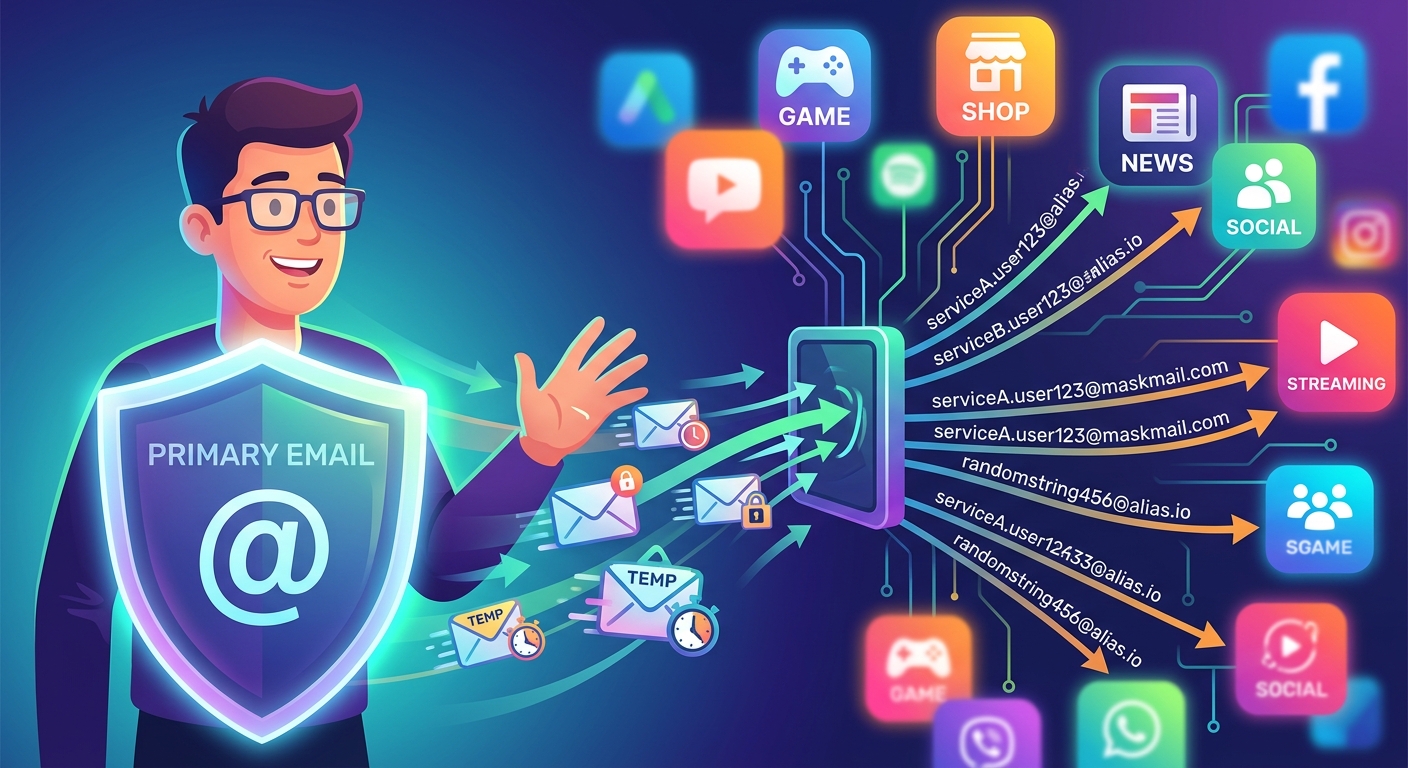
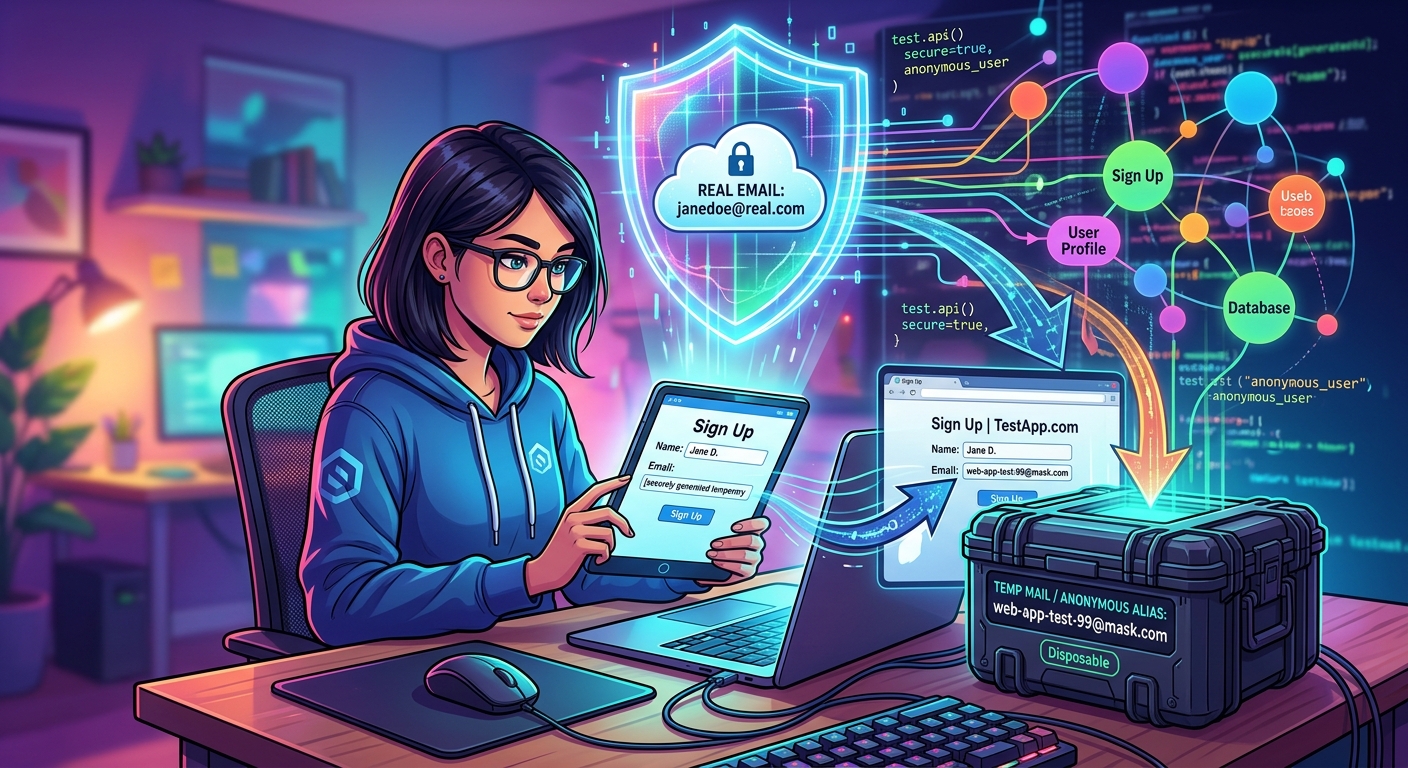
- For forums, trials, and one-off sign-ups, generate a dummy email address. These are disposable inboxes that spin up instantly, receive a confirmation link, and disappear. No long-term exposure, no trail connecting the sign-up back to your real identity.
- Use an email alias service for long-term sign-ups you want to monitor. Aliases forward to your real inbox under a different address. If one starts receiving spam, you kill the alias without touching your primary account at all.
- Enable multi-factor authentication on your primary email. If your address ends up in a breach, MFA provides a meaningful layer of defense against unauthorized access even when credentials are exposed.
- Avoid using your primary email as a visible username wherever possible. Some services offer a separate username field. Using it reduces the number of places that directly expose your real address in a login or public context.
Step three is the one most people skip because it feels like extra friction. That friction is the point. A disposable address breaks the chain between the service you are testing and your real digital identity. If that service gets breached, the attackers end up with an address that connects to nothing.
Email Address Strategies Compared by Risk and Effort
| Strategy | Best Use Case | Breach Exposure | Setup Effort |
|---|---|---|---|
| Primary email only | Core trusted services only | High | None |
| Secondary permanent email | Shopping, loyalty programs, newsletters | Medium | Low |
| Email alias service | Long-term services you want to monitor | Low | Medium |
| Disposable email | One-off sign-ups, trials, forums | None | Very low |
Auditing Which Services Actually Hold Your Contact Data
Most people have no clear picture of how many services are holding their email address right now. Think about it: job applications, beta waitlists, contest entries, tools you signed up for at a conference three years ago, services you tried once and never opened again. They all collected your contact details and most of them are still holding it somewhere on a server you have never thought about since.
Doing an audit is not complicated. Start with your password manager if you use one. It probably has a list of every account you have ever created. If you do not use a password manager, search your inbox for phrases like “welcome to”, “verify your email”, or “confirm your account”. These queries surface most of the sign-up confirmations you have received over the years and give you a rough inventory to work from.
Once you have the list, make three decisions for each entry. Keep it, because you still use the service. Delete the account, because you have no further need for it. Flag it as a low-trust entry where you should switch to an alias or disposable address going forward. Most services allow account deletion from within their settings. Some require a support email. Either way, removing your contact data from services you no longer use is a direct and permanent reduction in your attack surface. Fewer places hold your address, which means fewer places can leak it.
Treat Your Email the Way You Treat Your Access Credentials
The principle behind all of this is compartmentalization. When your primary email is tied to fewer services, a breach at any one of them does far less damage. If a forum gets hit and leaks an address you have never used for anything important, the attacker ends up with a dead end. That outcome does not happen by accident. It happens because you made a deliberate choice at sign-up time.
Compartmentalization also extends to your broader account structure. Using different usernames across services, separating your social presence from your professional identity, and maintaining distinct email tiers for different trust levels all work together to make your digital profile harder to assemble from scattered breach data. Each layer of separation adds cost for an attacker and reduces the blast radius of any single compromise.
The cfreaks audience already thinks carefully about data security, whether that means auditing storage permissions, understanding how APIs handle credentials, or keeping access tokens out of public repositories. Treating your email address with the same discipline is a natural extension of that mindset. You probably would not paste a private key into a random sign-up form. Your primary email deserves exactly the same instinct.
Start with one change. Move your next trial sign-up to a disposable address. Watch what happens to your inbox over the following weeks. The difference is immediate, and it costs nothing except the fifteen seconds it takes to generate a fresh address before you click Register.







Post Comment