How to Test Web Apps Without Exposing Your Real Email Address
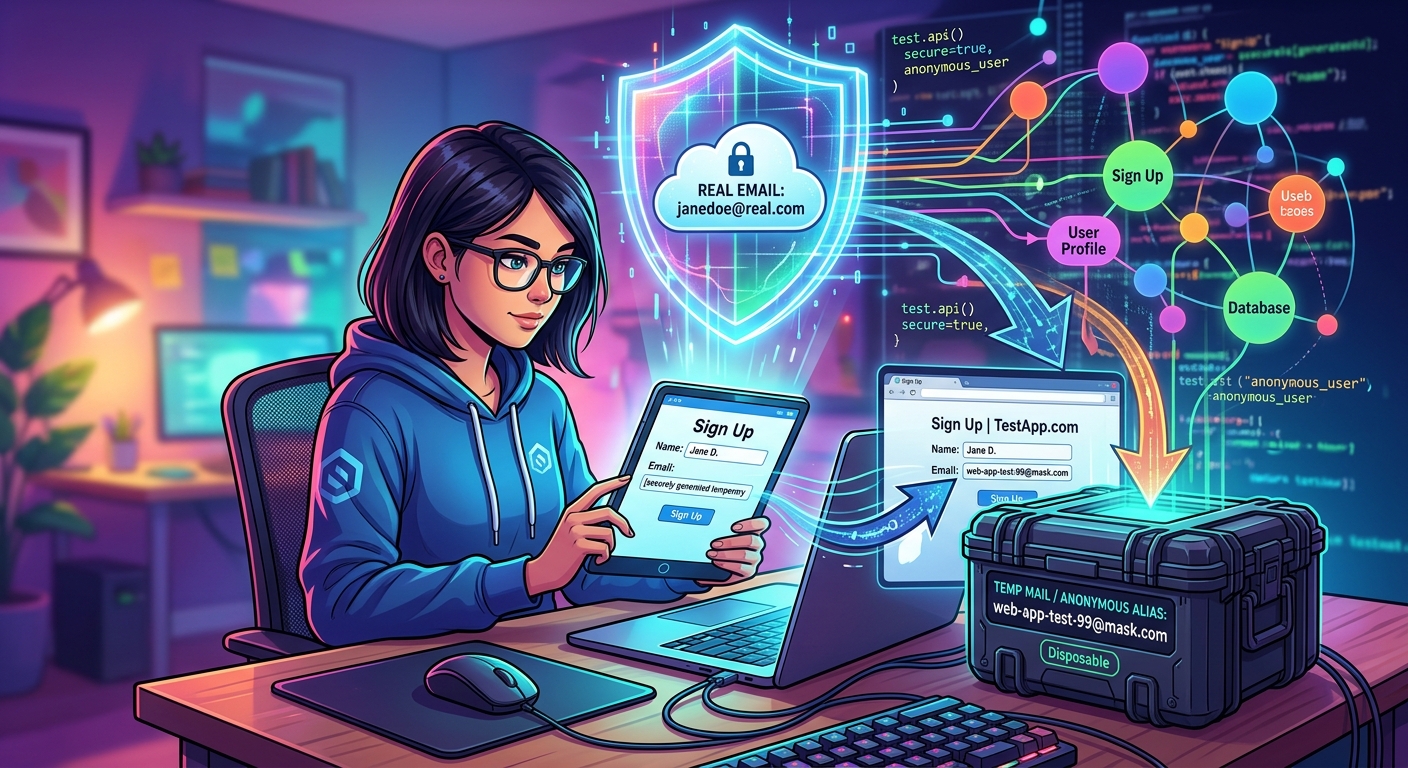
How to Test Web Apps Without Exposing Your Real Email Address
You find a tool that looks promising. Maybe it is a new API service, a SaaS dashboard, or a payment processor you need to evaluate before recommending it to your team. The sign-up form appears. Without thinking, you type your real email address. Two weeks later, your inbox is packed with drip campaigns, product updates, and “we miss you” sequences from a company you tested once and never touched again. Most developers do this constantly. And it costs more than just inbox clutter.
Privacy Reality Check
Plugging your real email into app trials and third-party sign-up forms puts that address into databases outside your control. Those databases can be breached, sold, or scraped. Your address then feeds spam lists, phishing attempts, and data broker profiles that are hard to escape. Using purpose-built email alternatives during testing keeps your real identity out of systems that should never have had it.
What Actually Happens When You Hand Over Your Real Email
Most web apps and API platforms require an email address to activate a trial account. That part is expected. What most people skip thinking about is what happens to that address after the confirmation email lands.
Your email gets stored in a CRM. It gets tagged with your trial activity, your IP address, and how long you spent on certain pages. If the service uses third-party analytics, your address may get passed to those tools as well. Some platforms share user data with partners. Others get acquired, and the database travels with them. A few get breached.
Industry guidance on security testing consistently shows that even well-intentioned apps collect more personal data during user onboarding than their sign-up screens imply. Once your real address is in a third-party system, getting it back out is rarely straightforward.
The Email Alias Trick That Feels Like Privacy but Isn’t
Gmail and many other providers support a plus-sign approach. You sign up as yourname+apptest@gmail.com, and the email still lands in your main inbox. Filtering becomes easy. You can set up a rule to label or archive everything sent to that alias.
It is better than nothing. But it is not privacy. Anyone who sees that address can strip the tag and recover your base address in one step. The address still traces back to you. It still lives in their database. It still counts as your real identity in their CRM and analytics stack.
Forwarding alias services take the idea much further. They generate randomized addresses that completely hide your real inbox. Emails still arrive normally, but the sender never sees where they actually go. You can delete the alias the moment testing ends, and all further contact from that service is cut off. That is real separation.
When Disposable Inboxes Are the Right Tool for the Job
For one-off testing tasks, especially when all you need is to confirm a registration email and nothing else, disposable email services are the fastest path to a clean test. You get a temporary inbox with no sign-up required, no account to manage, and no trail back to your real identity. The inbox exists for a few minutes or hours, you grab the confirmation link, and it is over.
These services are especially useful for testing onboarding flows. If you are a developer checking whether your confirmation email renders correctly, whether the call-to-action button works, or whether the copy in the welcome message lands the way you intended, a throwaway inbox handles all of that cleanly. Your real address stays out of your own test data.
They are also a practical choice when evaluating third-party tools before committing to them. Testing a helpdesk platform, a notification service, or an API sandbox means agreeing to terms and entering contact details. A temporary inbox handles that registration with zero personal exposure.
Comparing Your Options for Email Protection
Different testing scenarios call for different approaches. The method that works for a single registration check is not necessarily the right choice for a multi-week API evaluation. Here is how the main options stack up:
Email Address Protection Methods by Testing Scenario
| Method | Privacy Level | Spam Risk | Best For | Cost |
|---|---|---|---|---|
| Real Email Address | None | High | Accounts you intend to keep long-term | Free |
| Plus-Sign Alias (name+tag@) | Low | Medium | Filtering test emails in one inbox | Free |
| Disposable Inbox | High | None (auto-expires) | One-off sign-ups and onboarding tests | Free |
| Forwarding Alias Service | High | Low (alias deletable) | Ongoing trial accounts with full control | Free / Paid |
| Catch-All Domain Address | Medium | Medium | Developers who own a custom domain | Varies |
Why the Risk Compounds for Developers Over Time
Developers test a lot of things. Over the course of a year, a typical developer might register for dozens of API trials, sandbox environments, webhook testing tools, authentication services, and demo accounts. Each registration gets an email address. If that address is always the real one, the exposure builds fast.
There is also a professional dimension to this. Using your work email during testing plants your employer’s domain in third-party databases you cannot audit. That domain can be harvested, targeted, and used in phishing campaigns against colleagues who never signed up for anything. Using a personal address is only marginally better if it is your real, permanent one.
The smarter habit is to treat your email address the way you treat production credentials. You do not enter your real database password into a random form just to see what happens. You use test values. The same logic applies here, and it costs nothing to follow.
A Simple Workflow Checklist for Safer Testing
Building a consistent habit around email protection does not require complicated setup. A few clear rules applied before you fill out any sign-up form go a long way:
- One-time registration checks: Use a temporary inbox. Grab the confirmation link, complete the test, and walk away with nothing attached to your real identity.
- Multi-day API evaluations: Create a forwarding alias address. You can receive replies and track communications, then delete the alias when the evaluation wraps up.
- Testing your own app’s email flows: Set up a catch-all address on a development subdomain. All test addresses route to one inbox without touching any real user data.
- Any sign-up that does not require long-term access: Assume the address will end up in a third-party system. Use something throwaway from the start.
- Before you register anywhere: Ask whether this account needs to exist beyond today. If the answer is no, your real address has no business being in that form.
The Password Manager Parallel That Makes This Click
Password managers changed developer behavior around credentials. Nobody with a serious workflow types their real passwords into random forms anymore. A generated, unique password per service is now the baseline. Email address hygiene deserves the same treatment.
Treating every sign-up as a potential data exposure point is not paranoia. It is discipline. The same instinct that stops you from reusing passwords can stop you from feeding your real identity into systems that have no long-term obligation to protect it.
Some forwarding alias services now integrate directly with password managers. You can generate a fresh alias and a new unique password in one action. That is a tight, repeatable workflow that compartmentalizes your real identity without adding friction to your testing pace.
Stop Feeding Your Inbox to Apps You Haven’t Committed to Yet
Web apps are not inherently careless with data. But they are built to collect it. Sign-up forms are designed to capture a real, reachable, permanent address. When you are evaluating rather than committing, handing one over makes no sense.
The cost of switching to a throwaway or alias address at the testing stage is almost nothing. A few extra seconds. Maybe one browser extension installed once. The cost of not doing it, across months and years of active development work, is your real email scattered across hundreds of databases with different security standards, varying retention policies, and their own breach histories.
Your inbox is a communications tool, not a test credential. Protecting it during the testing phase is not extra work. It is just good practice carried to one more corner of your workflow, and it is a habit that gets easier every time you follow it.










Post Comment