Debugging API Timestamp Errors with a Real Time Clock Reference
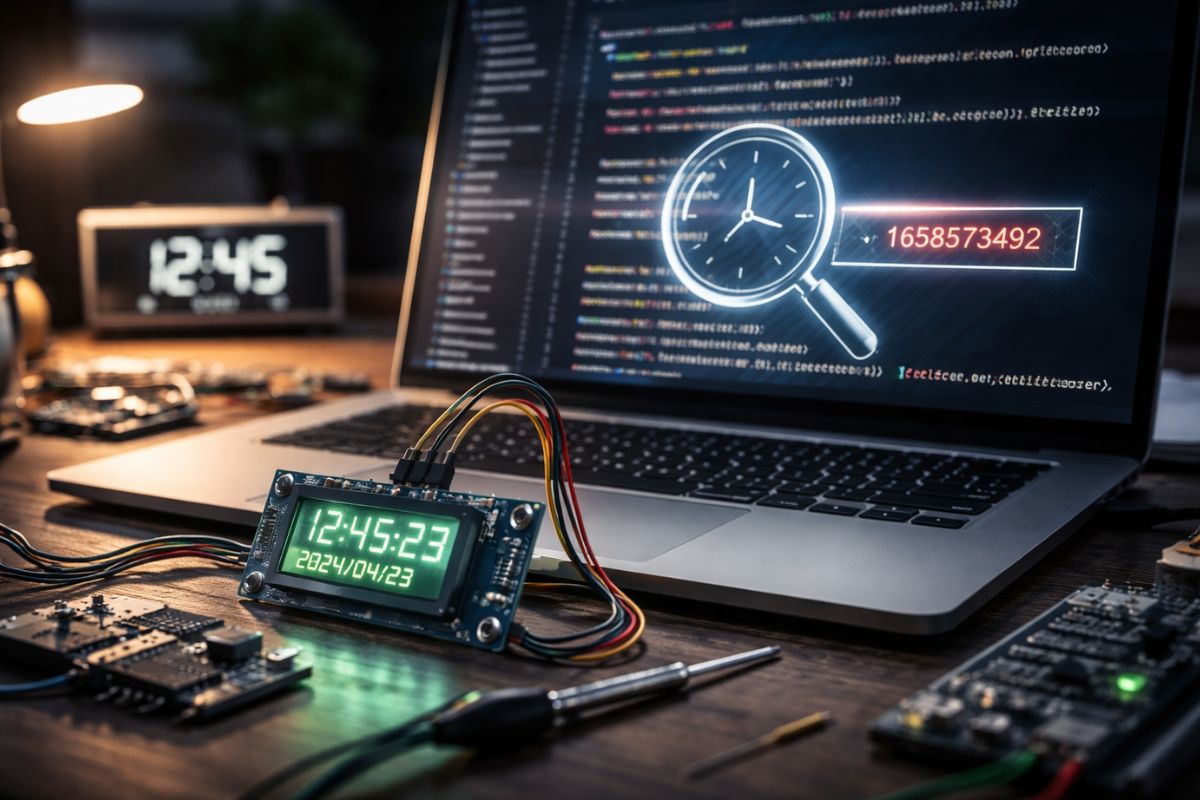
API systems depend on time. Authentication tokens expire based on timestamps. Signed URLs rely on strict validity windows. Distributed logs use time ordering to reconstruct events. When system clocks drift even slightly, these mechanisms start behaving strangely. A request that should work suddenly fails. Logs appear out of order. Security checks reject valid calls.
Many developers immediately start investigating code, databases, or network issues. Yet the cause is often simpler. The server clock is wrong. Even a difference of a few seconds can break authentication checks or invalidate request signatures. A visible digital clock widget provides a quick visual reference that helps confirm whether the environment itself is keeping accurate time before deeper debugging begins.
Time synchronization problems happen in local machines, containers, cloud servers, and hybrid deployments. Engineers who work with APIs regularly encounter timestamp mismatches. A reliable visual reference helps narrow the investigation immediately. Instead of guessing whether system time is correct, developers can validate it instantly and move forward with confidence.
Quick Summary
- API authentication and request validation often depend on precise timestamps.
- Clock drift can cause token expiration errors, rejected requests, and confusing logs.
- A visible real time clock reference makes it easy to confirm system time quickly.
- Developers can detect time mismatches before spending hours debugging code.
- Combining visual checks with synchronization tools improves reliability in distributed systems.
Why Timestamp Accuracy Matters for APIs
APIs rarely operate in isolation. They interact with clients, gateways, authentication services, and background jobs. All of these systems generate timestamps. If the clocks across those environments do not align, the system begins producing inconsistent behavior.
A simple login request illustrates the problem. An authentication server issues a token with a short expiration window. The client sends requests using that token. If the server clock is slightly ahead of the client clock, the token might appear expired before the client finishes sending its request.
These small discrepancies create confusion during troubleshooting. Developers often inspect application logic first. However, the real issue may be system time. Engineers who already understand unix epoch time fundamentals know how timestamps drive many backend processes, from logging systems to authentication frameworks.
Checking time synchronization early prevents wasted debugging effort. A visible clock reference provides an immediate sanity check. If the system clock differs from a trusted reference, the root cause becomes obvious.
Common API Errors Caused by Clock Drift
Time drift produces several recognizable symptoms. These issues often appear unrelated at first. Developers may chase configuration problems or application bugs before realizing that time is the true culprit.
The following issues frequently appear in distributed environments:
- Expired authentication tokens even when requests are sent immediately
- Signed URLs that fail validation seconds after creation
- Event logs appearing out of order across multiple servers
- Rate limit counters resetting incorrectly
- Cache invalidation occurring earlier or later than expected
Each of these problems traces back to timestamp validation. APIs rely on precise time comparisons. If two systems disagree about the current time, the validation logic becomes unreliable.
Using a Visual Clock as a Debugging Reference
Command line tools and logs provide valuable information, but they are not always convenient during rapid troubleshooting. Developers often switch between terminals, dashboards, and monitoring tools. A visual clock reference acts as a constant anchor during this process.
Consider a scenario where an API gateway rejects requests due to timestamp validation. The developer suspects that the server time may be wrong. Instead of running multiple time commands, a visible reference clock on the debugging dashboard immediately confirms whether the server environment is aligned with real world time.
This visual confirmation speeds up investigation. The developer can compare the server time to the reference clock and determine whether the discrepancy exceeds the allowed tolerance. If the clocks match, the debugging process continues elsewhere. If they differ, the root cause becomes clear.
Typical Situations Where Time Errors Appear
Clock drift does not appear randomly. Certain environments increase the likelihood of timestamp mismatches. Recognizing these situations helps developers diagnose issues faster.
Here are common scenarios where time errors frequently surface:
1. Container environments where host time synchronization is disabled.
2. Virtual machines that pause or resume after snapshots.
3. Development machines that sleep frequently.
4. Cloud instances launched in regions with delayed synchronization.
5. Distributed systems that rely on different time sources.
Each scenario introduces the possibility that system clocks may diverge. A quick comparison with a trusted reference prevents hours of unnecessary debugging.
How Time Drift Affects API Security
Security mechanisms often rely on timestamp validation. Authentication tokens include expiration fields. Request signatures incorporate timestamps to prevent replay attacks. These protections assume that participating systems maintain consistent time.
If the clocks differ, the system may reject legitimate requests. Developers sometimes misinterpret these failures as configuration errors. In reality, the server simply believes the request occurred outside the allowed time window.
Engineers designing distributed platforms frequently address these challenges while building reliable time aware applications. Synchronization strategies become essential for maintaining consistency across services.
A real time clock reference helps developers detect these issues immediately. Instead of analyzing complex authentication logic, they can verify that the environment itself maintains correct time.
Example Debugging Workflow
Imagine a developer troubleshooting a failing API request. The application logs show that a signed request expired before the server processed it. The timestamp difference appears small, yet validation fails repeatedly.
The debugging process might follow these steps:
First, confirm the timestamp included in the API request.
Second, compare that timestamp with the server time.
Third, verify that the server clock matches a trusted reference.
Fourth, check whether synchronization services are running.
This workflow becomes much faster when a visual clock reference is available. Instead of executing multiple diagnostic commands, the developer can instantly compare system time with a trusted display.
Comparing Time Sources During Troubleshooting
Developers often compare several time sources during debugging. Each provides a slightly different perspective on system time. Combining them produces a clearer picture of the environment.
| Time Source | Purpose | What It Reveals |
|---|---|---|
| System Clock | Current server time | Baseline for API validation |
| Application Logs | Event timestamps | Sequence of system events |
| Reference Clock | Trusted external time | Confirms drift or synchronization errors |
| Network Time Service | Synchronization mechanism | Ensures consistent time across servers |
This comparison highlights the value of a visual reference. It bridges the gap between system diagnostics and real world time.
Simple Practices to Prevent Timestamp Problems
Preventing timestamp errors requires only a few practical habits. Teams that follow these practices encounter far fewer synchronization issues in production systems.
One effective approach involves monitoring clock drift regularly. Developers can periodically compare server time with a trusted reference. Small discrepancies become visible before they cause failures.
Another useful technique involves including timestamps in debugging output. Logs that clearly display request times make it easier to identify mismatches across services.
Teams also benefit from automated synchronization tools. These services keep servers aligned with reliable time sources. A visual reference simply provides confirmation that the mechanism is working correctly.
Trusted Time References for Developers
Reliable debugging requires reliable time. Many developers validate system clocks against authoritative time sources maintained by scientific institutions. These services synchronize with atomic clocks and global time standards.
The United States National Institute of Standards and Technology maintains public time resources used by engineers worldwide. Their official NIST time resources help ensure that systems remain aligned with internationally recognized time standards.
Using such references ensures that troubleshooting efforts rely on accurate data. Developers can confirm whether a server clock matches global time or requires correction.
Keeping API Systems in Sync
Reliable APIs depend on consistent time across every component. Authentication systems, logging infrastructure, and distributed services all rely on timestamp accuracy. Even a few seconds of drift can disrupt request validation or create confusing debugging scenarios.
A visible real time clock reference acts as a simple diagnostic tool. It helps developers confirm the most basic assumption in any system, that the clock itself is correct. Once time alignment is verified, engineers can proceed with deeper investigation if needed.
This small habit prevents unnecessary troubleshooting. By validating system time early, developers eliminate one of the most common sources of API errors. Accurate clocks keep authentication systems reliable, logs readable, and distributed services operating smoothly.
In environments where every request depends on precise timing, a simple clock reference often becomes one of the most practical debugging tools available.











Post Comment